
I audit household utility bills for a living, and the single most common money leak I find isn’t a bad plan or a hidden fee — it’s a thermostat sitting three degrees too low. The fix costs nothing, and on a Sun Belt summer bill it’s worth $40 or more a month.
Here’s the promise: set your AC to 78°F, run a ceiling fan, and you’ll feel just as cool while your cooling cost drops noticeably. Below is the exact math, the schedule that does the heavy lifting, and how to make 78°F feel like 72°F.
Why 78°F Is the Magic Number
Cooling your home is the biggest slice of most summer electric bills. And every degree matters more than people think.
Each degree below 78°F adds roughly 3–8% to your cooling cost. That range depends on your climate, your home’s insulation, and your electric rate — but the direction never changes: colder setting, higher bill.
Do the math on a real gap. Tampa Electric’s own guidance points out that going from 72°F to 78°F — a six-degree swing — can cut a cooling bill by $40 or more a month in a hot, humid climate. That’s not a rounding error. That’s a streaming bundle, a phone line, a tank of gas.
💡 One honest caveat: your savings scale with your bill. A mild climate with a $90 summer bill might save $15, not $40. In Phoenix or Houston running the AC hard, the savings can be even larger. The percentage is the reliable part; the dollar amount tracks your starting cost.
You’ll also hear “Energy Star recommends 78°F” tossed around. That’s slightly imprecise — the government’s own ENERGY STAR guidance frames it as a schedule with setbacks, not one fixed number. But energy experts across the board endorse 78°F as the practical sweet spot for when you’re home and awake. It’s the setting where comfort and cost meet.
The Schedule That Unlocks the Real Savings
Here’s what most “set it to 78” advice misses: the real savings engine is a schedule, not a single number. You don’t have to sit in 78°F all day and night. You let the temperature drift up when nobody notices.
A proven pattern:
The U.S. Department of Energy is blunt about the payoff: setting your thermostat back 7–10°F for 8 hours a day can save up to 10% a year on heating and cooling. That’s the “4×4 rule” in action — for a home that’s empty ~4 hours at a stretch, letting it drift 4+ degrees costs you nothing in comfort and real money in savings.
The night number trips people up, so let me be clear: 78°F is your daytime comfort target; the schedule simply lets it rise higher when the difference won’t bother you — deeper into the evening once you’re asleep, and further still when you’re out. You’re not sleeping in a hot room. You’re letting the AC coast during hours you won’t feel it.
How to Make 78°F Feel Like 72°F
This is the part that turns “sacrifice” into “no big deal.” A ceiling fan creates a wind-chill effect that makes 78°F feel about 4 degrees cooler — roughly like 72°F, per the DOE. The comfort gap basically disappears.

A fan cools people, not rooms. Moving air pulls heat off your skin. So the trick is to run the fan only in rooms you’re actually in — and turn it off when you leave. A fan in an empty room is just spending electricity to spin.
Two settings that matter:
- Set your AC fan to “auto,” not “on.” On “on,” the blower runs constantly and can re-circulate humidity back into your home. “Auto” runs the fan only during cooling cycles.
- Fight humidity, not just heat. Muggy air feels hotter than it is. If your home stays damp, a portable dehumidifier can make 78°F feel noticeably more comfortable — sometimes letting you nudge the thermostat a degree higher.
✅ Direction matters: ceiling-fan blades should spin counterclockwise in summer to push air straight down onto you.
Tools That Do the Work for You
You can run the schedule manually, but you won’t — nobody does for long. This is where a little automation pays for itself.
A smart thermostat learns your routine and runs the 78/82/85 schedule automatically, adjusting when you leave and come home. Popular options like the Google Nest Thermostat, ecobee Smart Thermostat, and Honeywell Home T9 typically pay for themselves within a season or two on cooling savings alone.
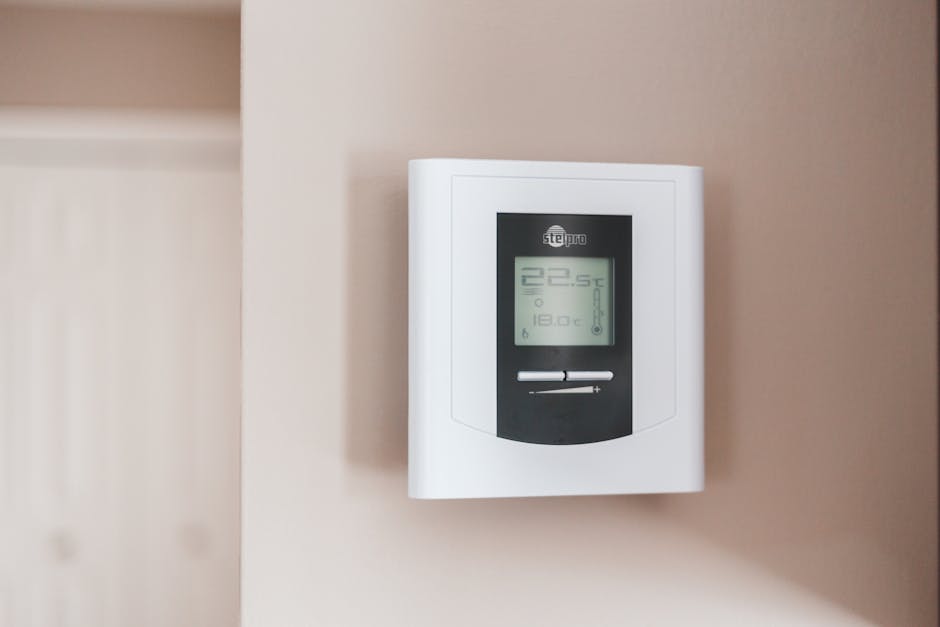
Two bonuses worth chasing:
- Utility rebates. Many electric companies offer $50–$100 back on a qualifying smart thermostat, plus small bill credits for letting them nudge your AC during peak demand. Check your provider’s rebate page before you buy.
- Filter maintenance. A clogged filter makes your AC work harder for the same cooling. Swap it every 1–3 months — it’s the cheapest efficiency upgrade there is.
Don’t overlook the basics either: close blinds on sun-facing windows during the hottest hours, and seal obvious air leaks. Shade and insulation reduce how hard your AC has to run at any setting.
What Your Bill Could Look Like
Here’s how the setting plays out across different starting bills. These are illustrative estimates using a ~4% savings per degree — your real numbers depend on your rate and climate.
The pattern is clear: the hotter your climate and the bigger your bill, the more that six-degree change is worth. Add the overnight and away setbacks from your schedule, and the DOE’s “up to 10% a year” stacks on top.
FAQ
Is 78°F too hot to sleep?
Not with airflow. Most people sleep fine at 78°F with a ceiling fan running. If you run warm, keep the fan on you and let the room drift higher only after you’re asleep — the AC cycles less during the hours you won’t notice.
Does setting the AC to 78°F damage the unit?
No. A higher setting makes your AC run less, which reduces wear, not increases it. What actually strains a unit is a dirty filter, low refrigerant, or blocked airflow — not a warmer thermostat.
How much does each degree really cost?
Roughly 3–8% of your cooling bill per degree, depending on climate and insulation. On a $150 cooling bill, each degree is about $5–$12 a month — which is why a six-degree gap adds up to $30–$50 fast.
Will a ceiling fan actually lower my bill?
Only if you raise the thermostat to match. The fan lets you feel comfortable at a higher setting — the savings come from the AC, not the fan. Running a fan without adjusting the thermostat just adds a small cost.
Is 78°F safe for pets?
Generally yes for cats and most dogs, especially with a fan and fresh water. Very young, old, or flat-faced pets tolerate heat poorly — keep those homes cooler and watch for panting.
Should I turn the AC completely off when I leave?
In humid climates, no — off lets moisture build up, and re-cooling a hot house can cost more than the setback. Use 85°F (or a smart thermostat’s “away” mode) instead of off for trips under a day.
Bottom line: nudge your thermostat to 78°F, add a fan, and let a schedule handle the rest — it’s the rare money move that costs nothing and you barely feel.