
Meta’s Muse launched on September 8, and a lot of people upgraded to the $20 Power or $100 Maximum plan in the first week. Those plans renew automatically on the same date every month, and Meta doesn’t give partial refunds. If you signed up early, your first renewal is right around the corner.
Here’s how to cancel in under a minute, whichever way you paid.
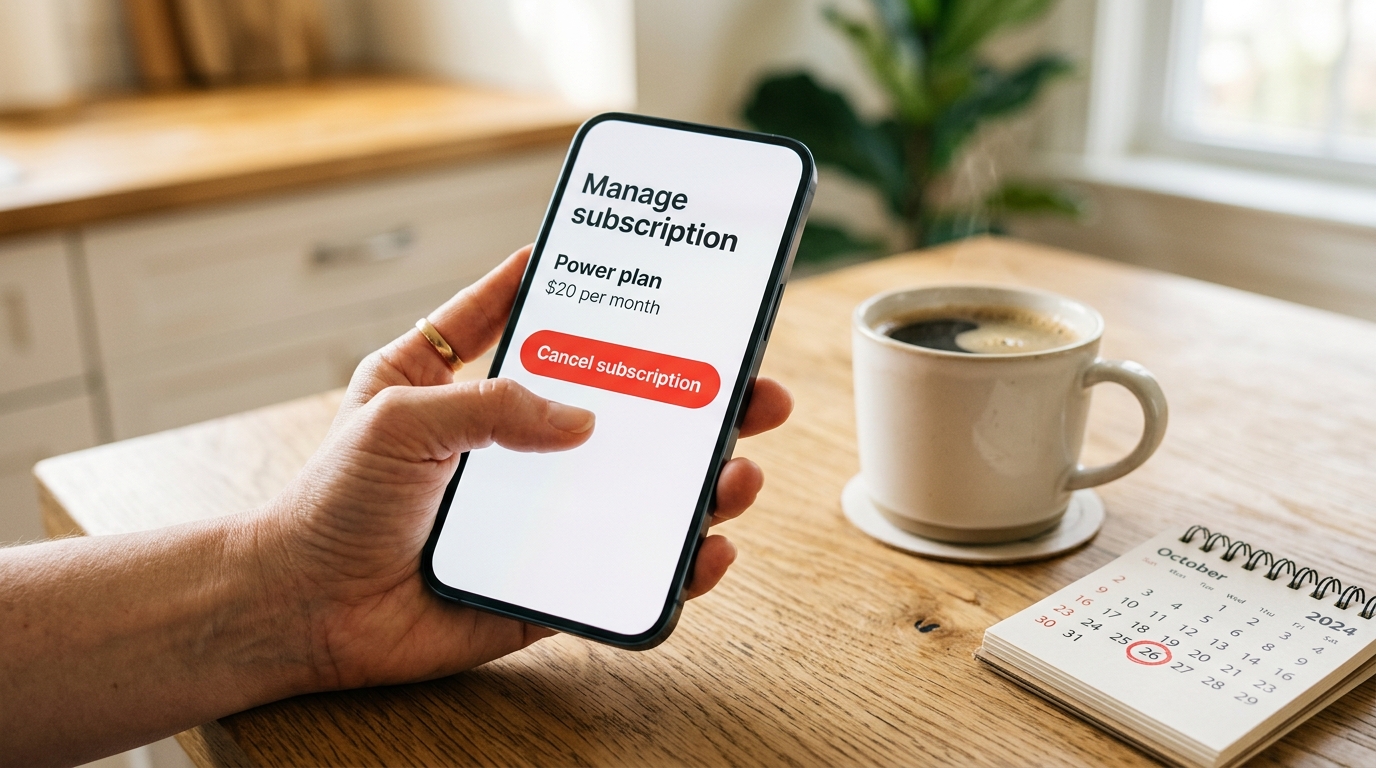
First: where did you subscribe?
This is the step most people get wrong. You have to cancel in the same place you paid. Per Meta’s cancellation help page, your Muse subscription is tied to the platform, device type and account you bought it with.
Not sure which one? Search your email for your Muse receipt. An Apple receipt comes from Apple, a Google receipt comes from Google Play, and anything else came from Meta.
How to cancel Muse in the mobile app
- Open the Muse app and log in.
- Tap your profile picture in the bottom right.
- Tap Menu in the top left, then Settings.
- Below your usage information, tap Manage subscription.
- Tap Cancel, then Yes, cancel.
You’ll get a confirmation notification. If you don’t see one, go back to Manage subscription and check that the status changed.
How to cancel Muse on muse.ai (web)
- Go to muse.ai and log in with your Meta account.
- Click Menu in the bottom left, then Settings.
- Below Usage, click Manage subscription.
- Click Cancel, then Yes, cancel.
The web steps are nearly identical to the app. The only difference is the Menu button sits in the bottom left instead of the top left.
How to cancel if you paid through Apple or Google
If you upgraded inside the iPhone or Android app and paid with your Apple ID or Google account, Meta can’t cancel it for you. You have to use the store.
iPhone or iPad:
- Open Settings and tap your name.
- Tap Subscriptions.
- Tap Muse, then Cancel Subscription.
Apple’s full walkthrough is on its cancel a subscription page.
Android:
- Open the Google Play Store app.
- Tap your profile icon, then Payments & subscriptions → Subscriptions.
- Pick Muse and tap Cancel subscription.
Make sure you’re signed in to the same Apple ID or Google account you used to subscribe. If you’re on a different account, Muse won’t show up in the list at all, which makes it look like there’s nothing to cancel.
What happens after you cancel
- You keep your paid plan until the billing cycle ends. Cancel on day 3 and you still get the rest of the month.
- No partial refunds. Meta says it doesn’t give credits or prorated refunds unless the law requires it. That’s why timing matters: cancel before the renewal date, not the day after.
- You drop back to the free tier. Muse itself doesn’t go away. You keep using it with the free weekly usage limit.
- You can re-subscribe anytime. Nothing is locked out.
One money-saving move: since you keep access until the cycle ends, there’s no penalty for canceling right now. Cancel today, keep using Power for the rest of the month, and decide later if you actually miss it.
Things that do NOT cancel your subscription
People lose a month’s fee to these every day:
- Deleting the Muse app. The subscription keeps billing.
- Logging out of Muse. Same thing.
- Disconnecting Muse from WhatsApp or your email. That only removes access. It doesn’t touch billing.
- Removing your card from your Meta account. If your payment fails, you may get a short grace period and the charge gets retried. Cancel properly instead.
If you also want Muse to stop reading your data, cancel first, then disconnect the apps you linked in Settings. Those are two separate switches.
Should you downgrade instead of canceling?
Before you cancel, check how much you actually used. The Manage subscription screen shows your usage. If you barely touched your weekly allowance, the free tier will probably cover you.
The paid plans only buy more usage, not extra features:
If you’re on Maximum and only hitting the limit now and then, dropping to Power saves you $80 a month. We break down who actually needs each tier in Muse Power plan worth it over free.
FAQ
Can I get a refund on my Muse subscription?
Generally no. Meta doesn’t give partial refunds for canceled Muse plans unless required by law. If you paid through Apple, you can request a refund at reportaproblem.apple.com, but approval isn’t guaranteed.
Does deleting the Muse app cancel my subscription?
No. You have to finish the cancellation steps in the app, on muse.ai, or in the App Store or Google Play, depending on where you paid.
When will I stop being charged?
Your plan stays active until the end of the current billing cycle and won’t renew after that. You’re billed on the same date each month as your original purchase.
I can’t find Muse in my subscriptions. Why?
You’re probably signed in to a different Apple ID or Google account than the one you used to subscribe, or you subscribed on the other platform. Check your receipt email to see who billed you.
Will I lose my Muse chats and memories if I cancel?
Canceling only ends the paid plan. You drop to the free tier and keep using Muse. If you want Muse to forget something, you can tell it to, separately from billing.
Can I cancel Muse from WhatsApp?
No. WhatsApp is just one place to talk to Muse. Billing is managed in the Muse app, on muse.ai, or through Apple or Google.
The bottom line
Cancel where you paid, do it before your renewal date, and don’t count on deleting the app to stop the charge. You keep the paid plan until the cycle ends either way, so canceling now costs you nothing.