
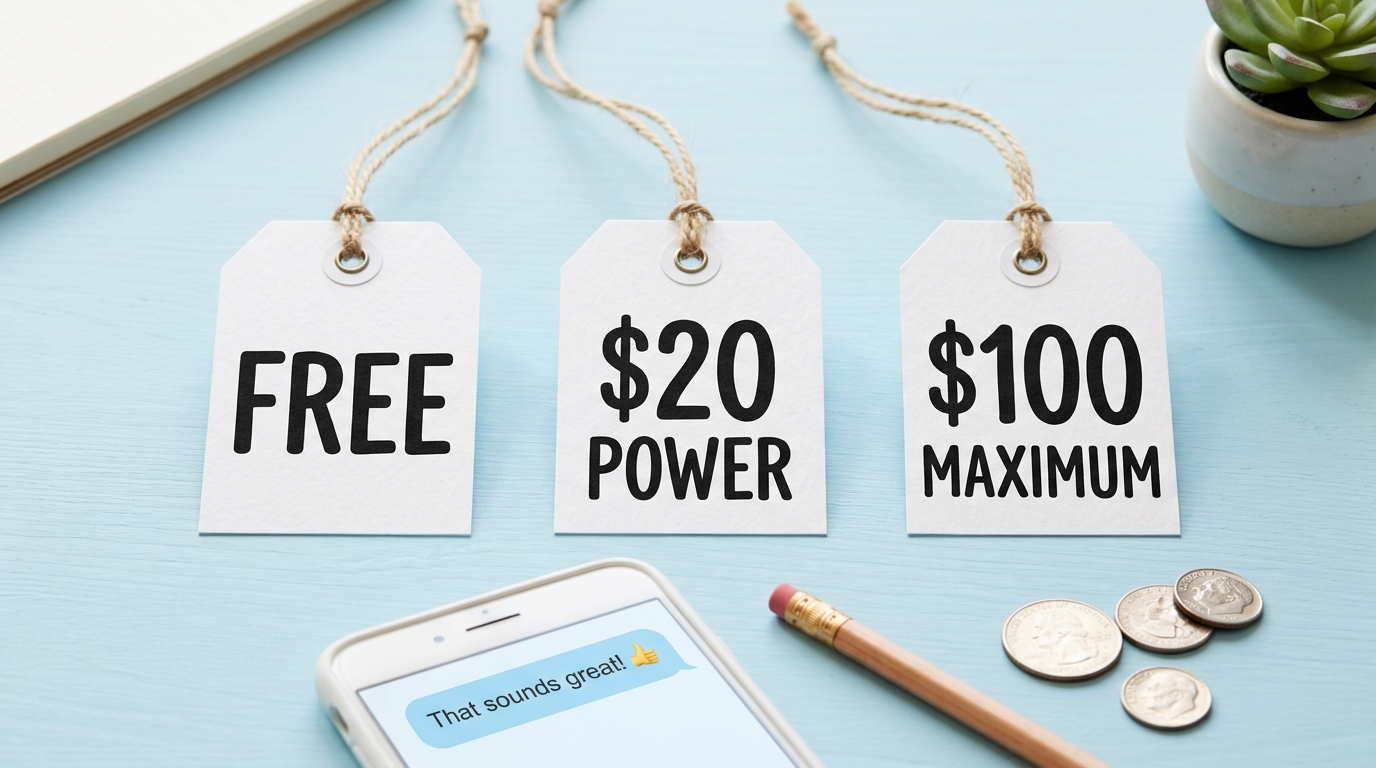
Meta’s Muse agent is free to use, but it also sells a $20 Power plan and a $100 Maximum plan. The catch nobody puts in the headline: the paid plans don’t unlock a single extra feature. They only buy more usage per week.
So the real question isn’t “is Power better?” It’s “will I actually run out on the free plan?” Here’s how to tell before you pay.
⚡ The short answer
- Stay on Free if you use Muse for quick jobs: drafting an email, planning a trip, building a grocery list. Most people won’t hit the limit.
- Pay $20 for Power if you leave Muse running long background tasks every week, like watching prices or working through a multi-step project, and you keep hitting the free cap.
- Skip the $100 Maximum unless Muse is doing real work for you around the clock. It’s six times the usage of Power, and very few personal users need it.
What each Muse plan includes
Per Meta’s official plan page, usage is measured in weekly “Muse tokens”:
Every plan gets the same agent, the same app, web and WhatsApp access, and the same Muse Secure VM privacy setup. Meta hasn’t published an exact free allowance. Mark Zuckerberg was reported to have said the free tier covers up to 100 million tokens a week, but treat that as a ballpark until Meta puts it in writing.
Allowances reset weekly, and unused tokens don’t roll over. A quiet week doesn’t bank anything for a busy one.
What eats your Muse usage fastest
Meta doesn’t publish how many tokens a given task costs, so you can’t do exact math. But the pattern is clear from how agents work:
Cheap tasks (free plan handles these fine):
- Writing or replying to an email
- Planning a dinner party menu
- Turning a saved recipe into a grocery list
- Quick questions and short research
Expensive tasks (these drain the weekly pool):
- Background monitoring. “Watch this flight and tell me when it drops” means Muse keeps checking for days.
- Long browsing jobs. Opening many websites, filling forms and comparing options uses far more than a chat reply.
- Multi-step projects. Selling a car, planning a move, or negotiating a bill involves lots of back-and-forth.
Meta’s own pitch for Muse leans heavily on those expensive jobs: negotiating, lowering a bill, getting more for a car. That’s exactly where free users are most likely to run into the wall.
How to check if you actually need Power
Don’t guess. Muse shows you your usage.
- Open the Muse app or muse.ai.
- Go to Menu → Settings.
- Look at the usage information above Manage subscription.
Use Muse normally on the free plan for one full week. If you hit the limit before the week resets, and the thing you were doing was worth finishing, Power is probably worth $20. If you never got close, keep your money.
One more tip: if you do upgrade, you’re billed on the same date every month and Meta doesn’t give partial refunds. Put your renewal date on your calendar the day you subscribe.
Is $20 for Muse a good deal compared to other AI plans?
Twenty dollars is the going rate for a premium AI plan. ChatGPT Plus and Claude Pro both sit at $20 too. The difference is what you’re paying for:
- ChatGPT and Claude mostly sell access to their smartest models and bigger limits for chatting, writing and coding. We compared their current top models in GPT-6 Astra vs Claude Fable 5.1.
- Muse sells an agent that goes out and does things: it opens a browser, fills out forms, checks out and follows up. It’s closer to a personal assistant than a chatbot.
If you already pay for ChatGPT or Claude and mostly use it to write and think, Muse Power is a second $20 bill for something different, not a replacement. Try Muse on free before stacking another subscription.
Two things that make paid Muse less useful right now
1. Amazon blocks it. On September 20, Amazon cut Muse off from shopping on Amazon.com, citing security concerns, as GeekWire reported. If your main reason for paying was “let Muse do my shopping,” the biggest store in the US is off the table for now.
2. It’s US-only and 18+. Muse and its subscriptions are only available in the US right now, and you need a Meta account. If you travel a lot or share a household across countries, that matters.
On the plus side, when Muse does check out on other sites, it uses Link by Stripe, which generates a one-time card number so your real card isn’t exposed. Meta says Muse is the first AI agent covered by Link’s purchase protections, including coverage for lost or damaged items and price drops on eligible purchases. That’s a genuine safety perk, and it’s included on every plan, free too.
FAQ
Is Meta Muse free?
Yes. Muse is free with a weekly usage limit. When you hit it, you can wait for the limit to refresh or upgrade to Power or Maximum.
What’s the difference between Muse Power and Maximum?
Only usage. Power is $20/month for 500 million tokens a week. Maximum is $100/month for 3 billion tokens a week. Features are identical.
Does Muse Power make the AI smarter or faster?
Meta doesn’t list any speed or model difference between plans. You’re paying for more weekly usage.
Can I try Muse Power and cancel if I don’t like it?
Yes, you can cancel anytime and keep the plan until the billing cycle ends. There are no partial refunds, so cancel before your renewal date. Here’s how to cancel your Meta Muse subscription.
Do unused Muse tokens roll over?
No. The allowance resets every week, and anything you don’t use is gone.
Is Muse available outside the US?
Not yet. Muse is currently US-only for users 18 and older.
The bottom line
Muse Power doesn’t make Muse better. It makes Muse last longer each week. Use the free plan for a full week, check your usage in Settings, and only pay $20 if you’re hitting the limit on tasks that are actually saving you time or money.